
New Features
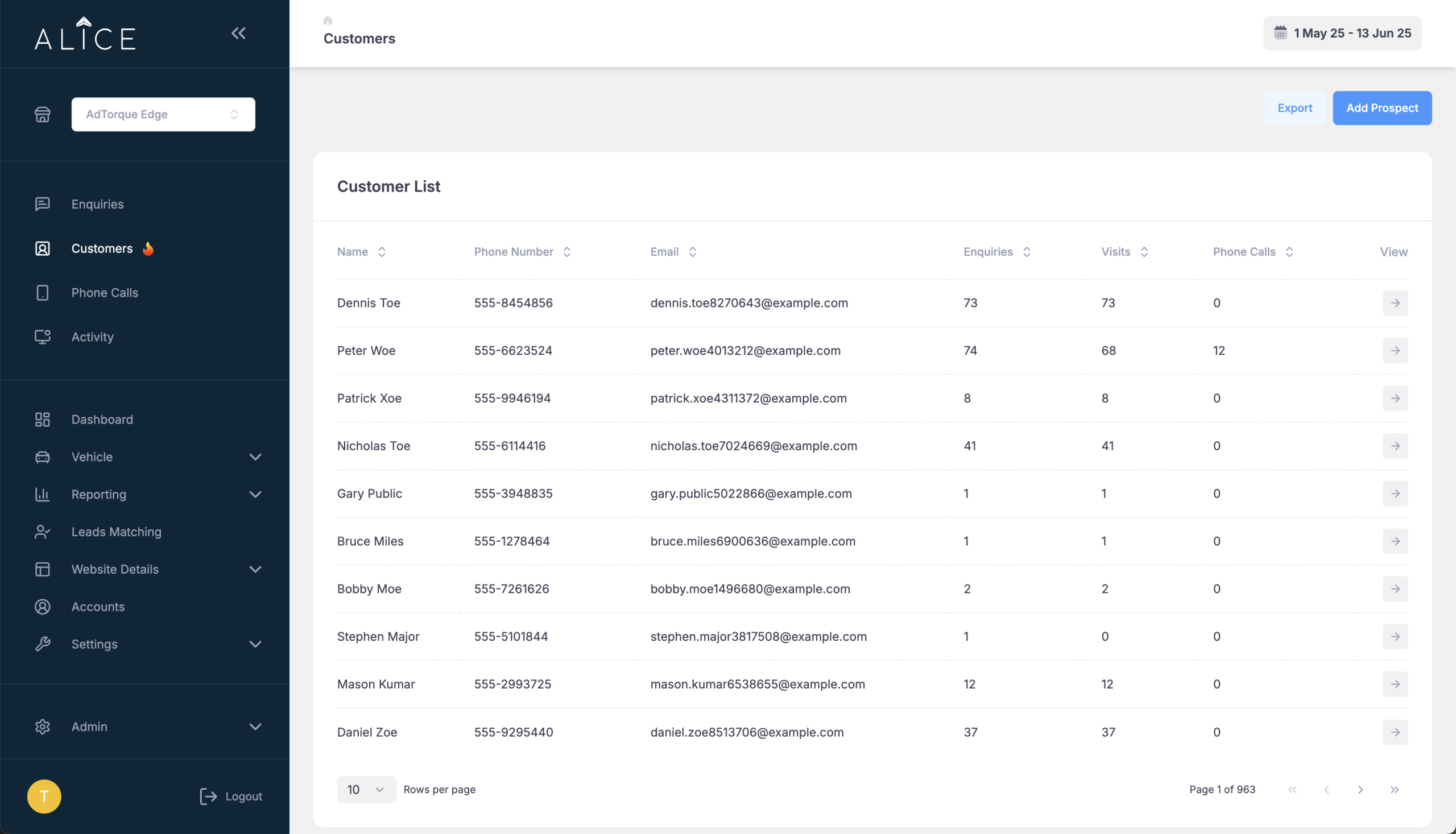
- 🔥 New Page – Customer Listing A brand new customer listing page has been added, allowing for easier viewing and management of customers all in one place
- User access can now be restricted by country across all roles (except Super Administrators), limiting visibility to Websites and data relevant to that country
- Super Editors now have enhanced permissions, including access to Settings and parts of the Admin menu like Stock Locator and Online Tools. This allows many current Super Administrators to be safely downgraded
- Super Editors can now manage user country access based on their own account permissions
- Added support for Regions across the platform. You can now assign a Region to a Website via a new Region field available in both Settings > Website and Admin > Website Properties. Regions can be selected from a dropdown or added manually. Assigned Regions are saved and visible when editing a Website.
📦 We have another (even bigger) new feature coming up soon … stay tuned!

Minor Improvements
- Improved stock action analytics to provide better insight into how key features are used
- Vehicle data imports from Redbook now include additional links saved in the Vehicle Master table
- When creating a new Website Property, the selected website is now automatically assigned to the new property
- Browser page titles have been fixed for both Digital Audio and Organic Reporting
- Default stock settings now automatically apply based on country, including tailored settings for South Africa and New Zealand
Bug Fixes
- Fixed an issue where the back button didn’t work after applying filters in Enquiries
- Resolved a bug in the Digital Audio analytics page where websites without data for the selected date range were incorrectly flagged as errors
- Adjusted country editing permissions so Super Editors can only assign countries within their scope, while unrestricted Super Editors can manage all countries